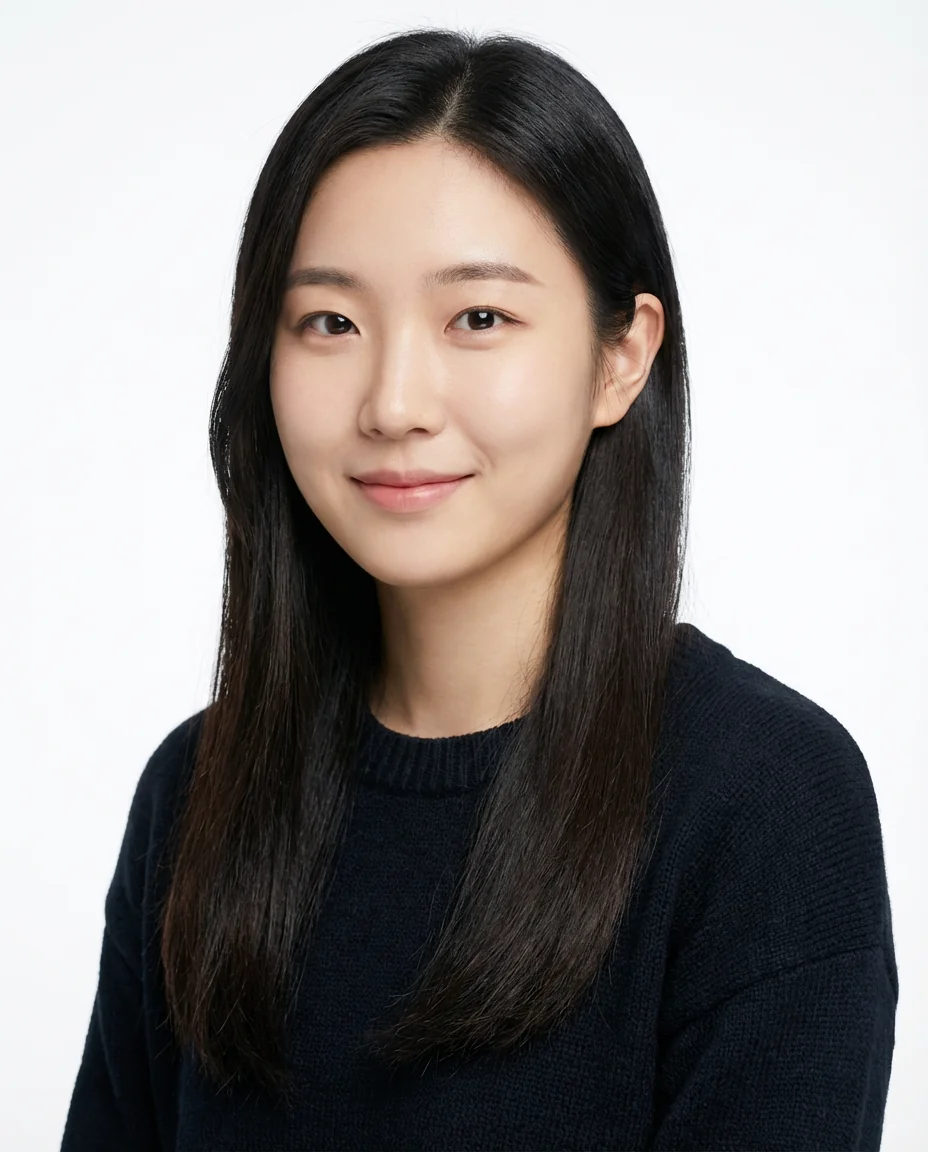
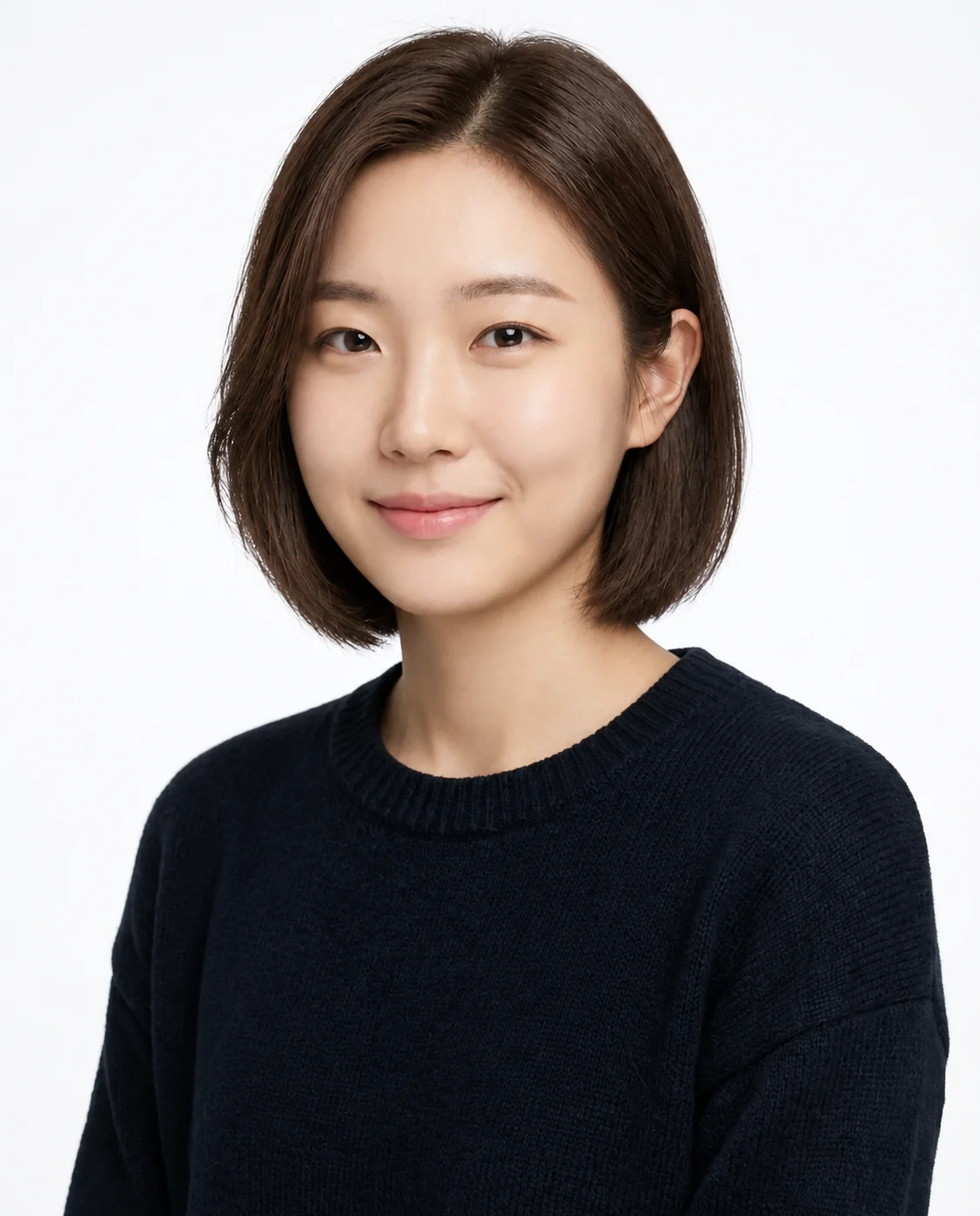
Three ways to make it yours
Choose a style, describe an idea, or add a hairstyle reference.
 HaircutTryOn
Explore haircuts, bangs and hair colors on your own photo with an AI hairstyle changer.
Choose a style, describe an idea, or add a hairstyle reference.
Slide to compare and see the difference.
Explore the options, slide to compare, then download or save.
Start with a photo and explore lengths, bangs and colors to find inspiration for your next salon visit.
Open the try-on studioCompare lengths, layers, fringes and texture.
Explore this groupExplore shades and color placement.
Explore this groupCompare outlines and the features you want to emphasize.
Explore this groupMen’s and women’s styling ideas, open to everyone.
Explore this groupChoose a clear portrait, leave room around your hair and compare previews consistently. A practical photo checklist for your first AI hairstyle try-on.
Read guideCompare length, shape, fringe and texture on the same photo, then turn your favorite AI hairstyle preview into a useful conversation with your hairstylist.
Read guideCompare a few color directions on one photo, describe roots and highlights clearly, and understand what an AI preview cannot predict about a real dye result.
Read guideHaircutTryOn is an online AI hairstyle changer. Upload a photo and explore short hair, long hair, bangs and hair colors using text, templates or a hairstyle reference. Compare the result with your original to turn an idea into a preview you can discuss before a haircut.
Choose a front-facing photo of yourself with your hair clearly visible. Read the image processing and public-link notice before uploading.
Choose a template, describe a haircut or hair color, or add a separate hairstyle reference. Edit the details before generating.
Sign in to generate previews, switch between results and compare with your original. Save or download a look you like; posting to the community needs a separate confirmation.
Keep your face and hair in the frame. Avoid heavy shadows, blur and strong beauty filters.
Avoid a tight crop. Remove hats where possible and keep objects away from your hair and forehead.
Use JPG, PNG or WebP, up to 10 MB and at least 256 pixels on each side. Only upload photos you have permission to use.
AI generates a new image and may change facial or hair details. It cannot guarantee a real haircut, hair texture or dye result. Stored images are not deleted immediately, and anyone with an image link can view them; see the privacy policy for photo handling details.
An AI haircut try-on generates a preview of a different hairstyle or hair color on a photo you upload. HaircutTryOn supports text, templates and hairstyle references, with original-photo comparison, saved looks and downloads.
Verify your email and sign up to receive 2 free try-ons once, with no daily try-on limit. Nonmember results include a HaircutTryOn watermark.
Yes. Specify bangs or a hair color in your text description, or start with a suggested description on the bangs filter or hair color changer page. Both open the same try-on studio so you can adjust the details.
Stored images are not deleted immediately, and anyone with an image link can view them. Community publishing requires your confirmation. Keep links private, avoid uploading sensitive photos, and see the privacy policy for photo handling details.
No. AI may alter facial or hair details and cannot accurately predict texture, density, styling or dye results. Use it to compare style directions and discuss practical options with a hairstylist.