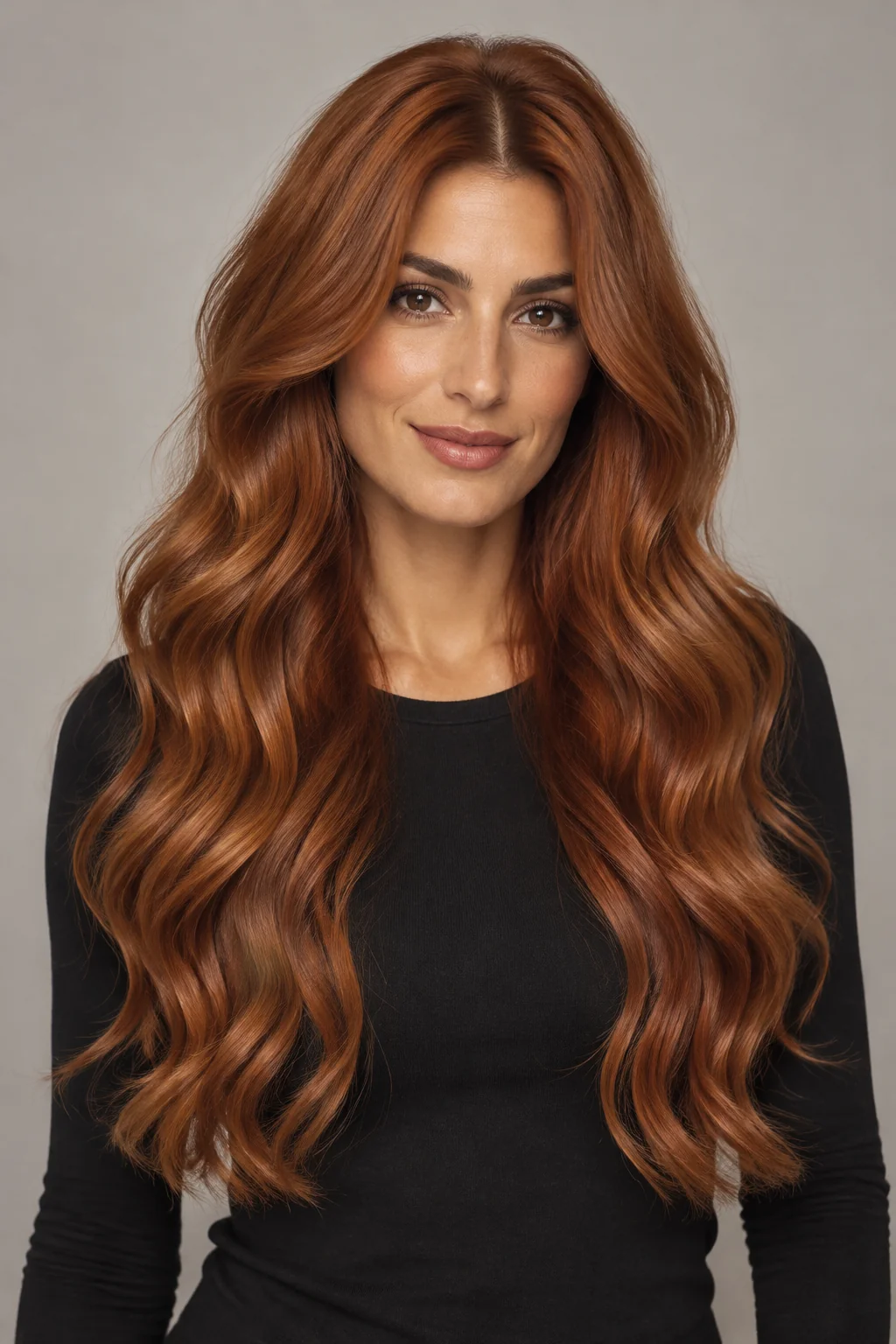
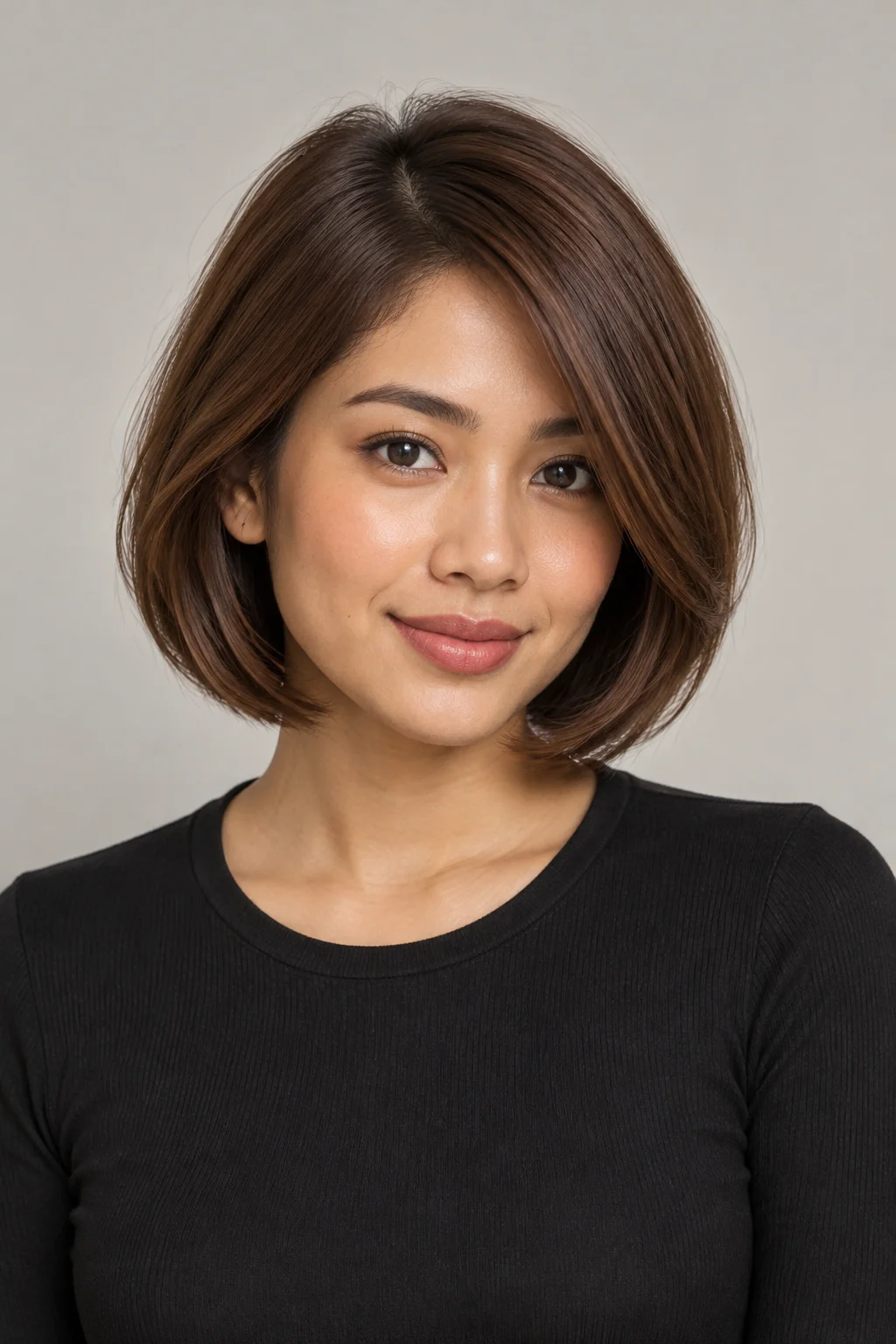
Face the camera in even light
Keep your face and hair in the frame. Avoid heavy shadows, blur and strong beauty filters.
 HaircutTryOn
Upload your own photo and explore a different shade with the AI hair color changer. Start with chestnut brown, copper or ash blonde, then edit the description in the studio and ask to keep your current haircut.
Upload a photo to try a colorThe swatches suggest a color direction. They are not dye shade codes or generated results. Choose a color to open an editable description in the studio.
Start with a color-only change and keep the same photo and haircut description to compare the appearance. AI is not a dye formula or skin-tone analysis tool. Your original color, hair condition, color history and lighting all affect a real dye result. Use the preview as a reference when discussing a color appointment.
Keep your face and hair in the frame. Avoid heavy shadows, blur and strong beauty filters.
Avoid a tight crop. Remove hats where possible and keep objects away from your hair and forehead.
Use JPG, PNG or WebP, up to 10 MB and at least 256 pixels on each side. Only upload photos you have permission to use.
AI generates a new image and may change facial or hair details. It cannot guarantee a real haircut, hair texture or dye result. Stored images are not deleted immediately, and anyone with an image link can view them; see the privacy policy for photo handling details.
Upload a photo and choose a description such as chestnut brown, copper or ash blonde. Edit the text before generating and ask to keep your current haircut. You can compare and download the results.
Not necessarily. AI generates a new image, and screens, lighting and your original hair color affect the appearance. This is not a dye shade matcher or a bleaching simulator. Use the preview as inspiration to discuss with a stylist.
You can ask for a color-only change, but AI may still alter strands, the haircut or facial details. Compare the generated image with your original before saving or sharing it.