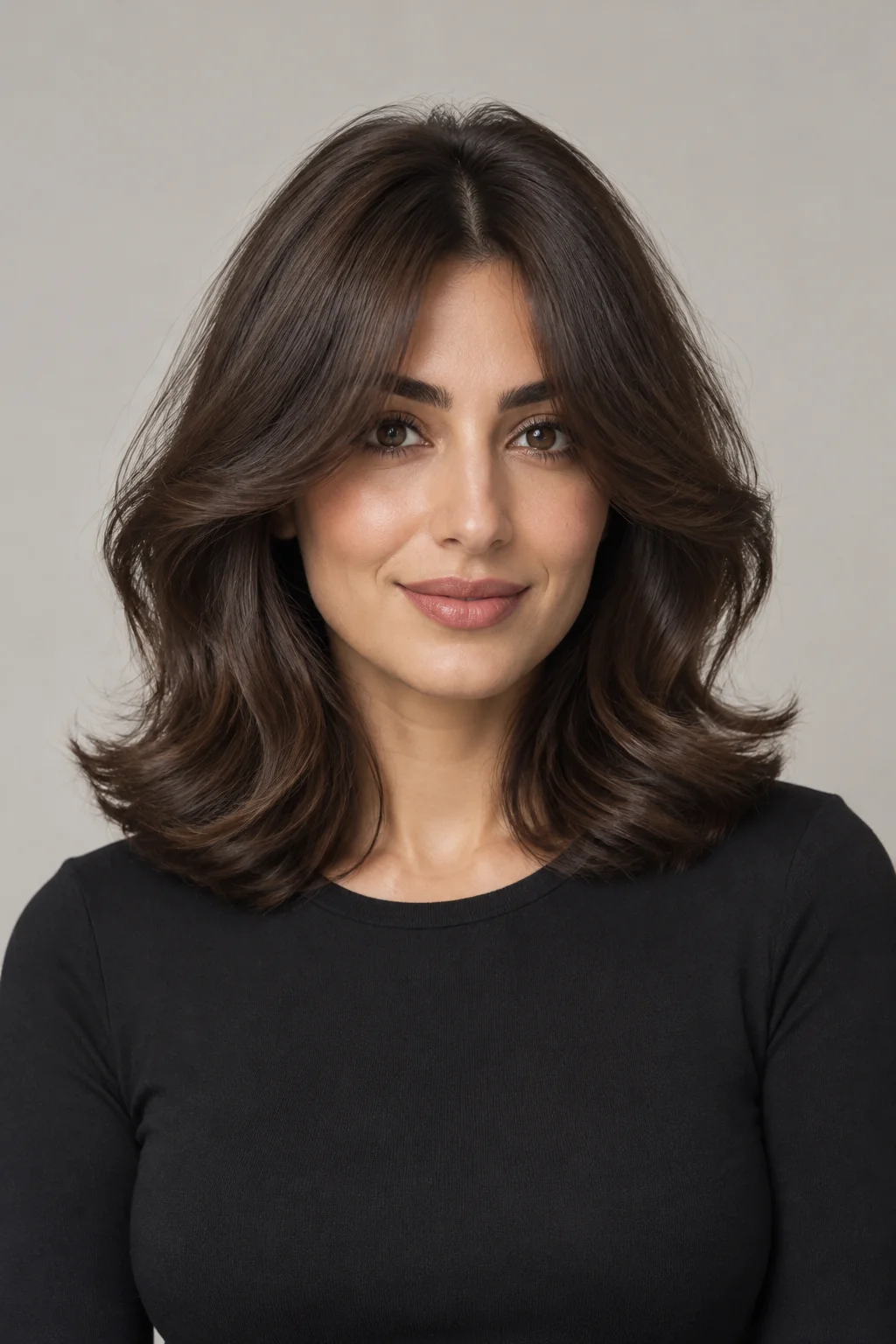
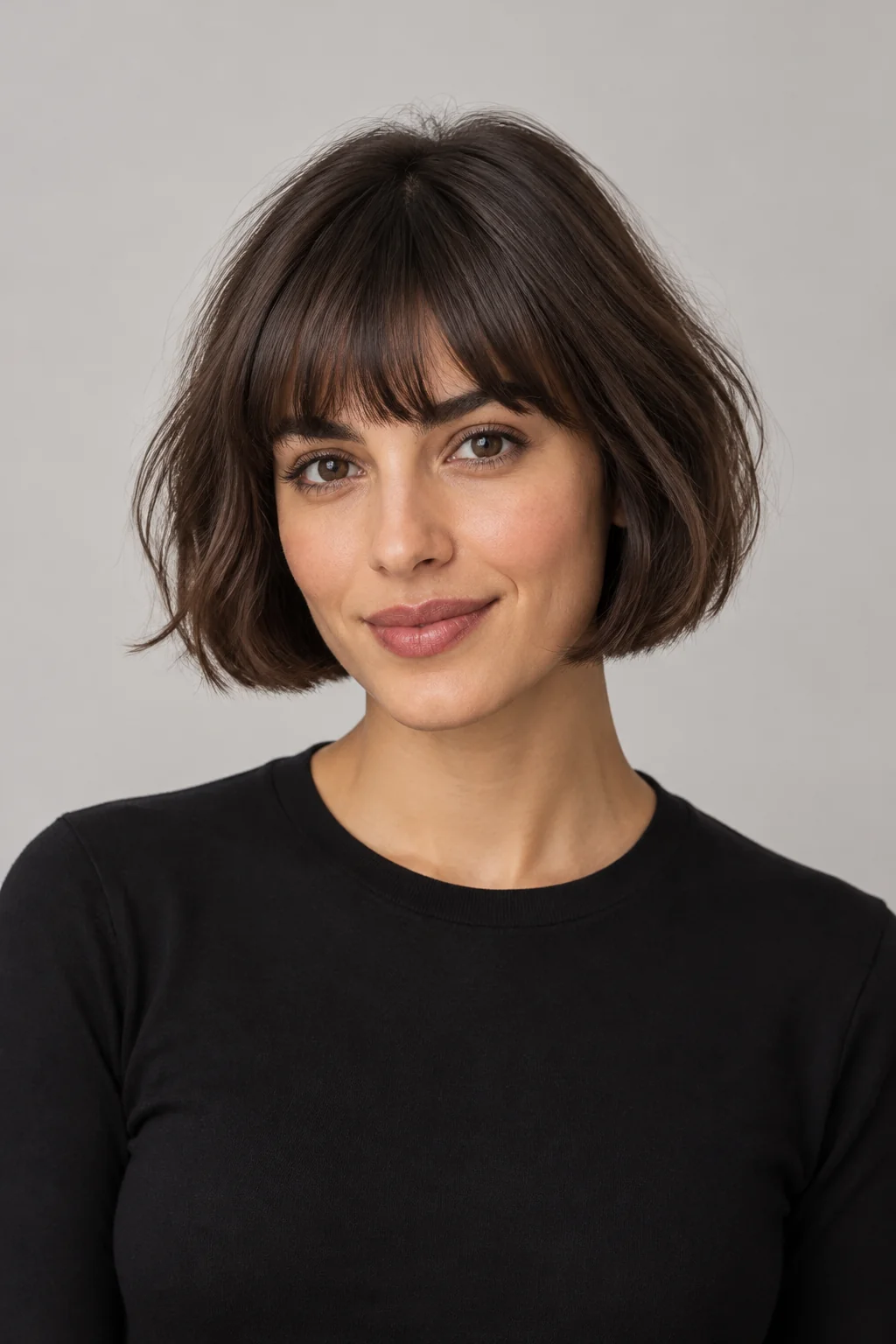
Face the camera in even light
Keep your face and hair in the frame. Avoid heavy shadows, blur and strong beauty filters.
 HaircutTryOn
Use the AI bangs filter to explore a fringe on your own photo. Choose a description to open the try-on studio, then upload your photo and adjust length, thickness and parting before generating.
Upload a photo to try bangsChoose a starting point, then review and edit the description in the studio before you generate.
Try different bangs on the same photo and compare forehead coverage, parting and side layers. The AI does not measure face shape or assess your growth pattern, hair density or styling routine. Save a preview you like and discuss a practical cut with a hairstylist.
Keep your face and hair in the frame. Avoid heavy shadows, blur and strong beauty filters.
Avoid a tight crop. Remove hats where possible and keep objects away from your hair and forehead.
Use JPG, PNG or WebP, up to 10 MB and at least 256 pixels on each side. Only upload photos you have permission to use.
AI generates a new image and may change facial or hair details. It cannot guarantee a real haircut, hair texture or dye result. Stored images are not deleted immediately, and anyone with an image link can view them; see the privacy policy for photo handling details.
Yes. Upload a front-facing photo, choose a bangs description and generate an AI preview. It is a styling reference and cannot guarantee the length, density or result of a real haircut.
Start with curtain bangs, wispy bangs or a blunt fringe. You can edit the description in the studio to specify length, thickness and parting. Each option uses the same text-based try-on tool.
Use an evenly lit front view with your eyebrows and forehead as clear as possible. Avoid hats, hands or heavy hair covering the area. JPG, PNG and WebP are supported, up to 10 MB and at least 256 pixels on each side.